Short description
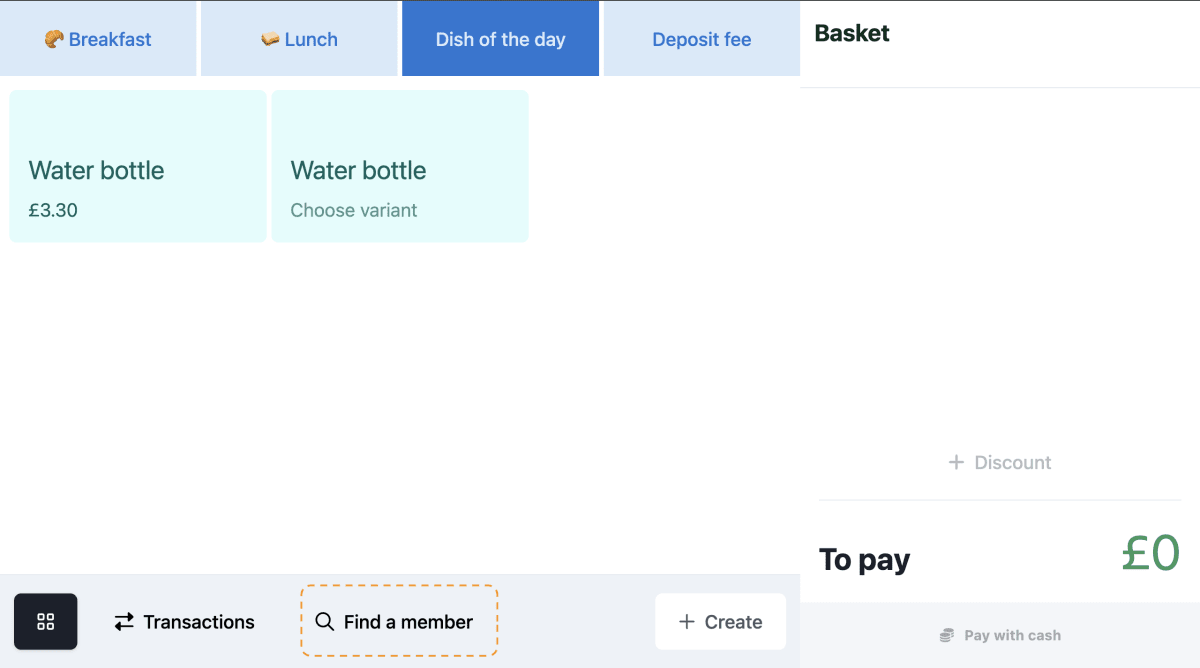
We’ve introduced a new 🔍 Find a Member feature in POS attended till that allows operators to quickly search & authenticate users directly from the Sell page using either their name or employee card ID.
Why does it matter
This feature gives operators a fallback option to authenticate a user when they don’t have their employee card or QR code available. It ensures that personalised service is always possible — for example, when handling hybrid billings or managing specific allergen needs that are only visible once a user is authenticated.
What’s new?
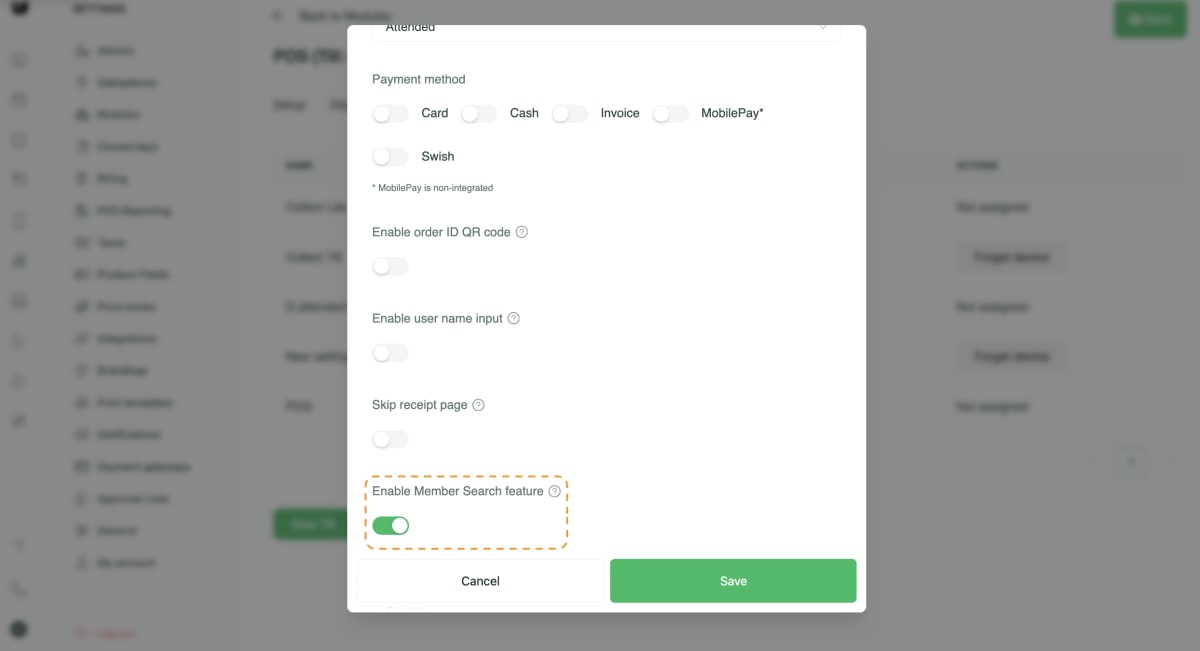
A new Enable Member Search feature configuration available in Admin till settings.
When enabled, a 🔍 Find a Member option appears in the footer of the POS Sell page.
Operators can search for any user of the salesplace by name or employee card ID.
Available only for Attended till.
How to use it?
Enable Enable Member Search feature in the Admin till settings for your till.
On the Sell page, tap 🔍 Find a Member in the footer.
Enter the name or employee card ID to locate the user.
Select the user to authenticate them and continue the sale as normal.