Short description
Most common columns are now selected by default for all export types when creating a new export in Data Export.
Why it matters?
Configuring an export can take a long time and users are not always aware what columns to pick. Showing a selected set of default columns in the Columns step will fasten the process for the user to create a new export.
What’s new?
For each export type a set of columns are selected by default.
Overview of default columns
Sales - One Row per Order
Order ID
Billing Date
Order or Refund
Total Sales excl. VAT
Total Sales incl. VAT
Total VAT
Location Name
Module Name
Total Number of Products
Product Names
Sales - One Row per Product
Order ID
Billing Date
Order or Refund
Line Type
Total Sales excl. VAT
Total Sales incl. VAT
Total VAT
Location Name
Module Name
Product Amount
Product Name
Transactions
id
created_at
type
amount
fee
net_amount
currency
school_name
How to use it?
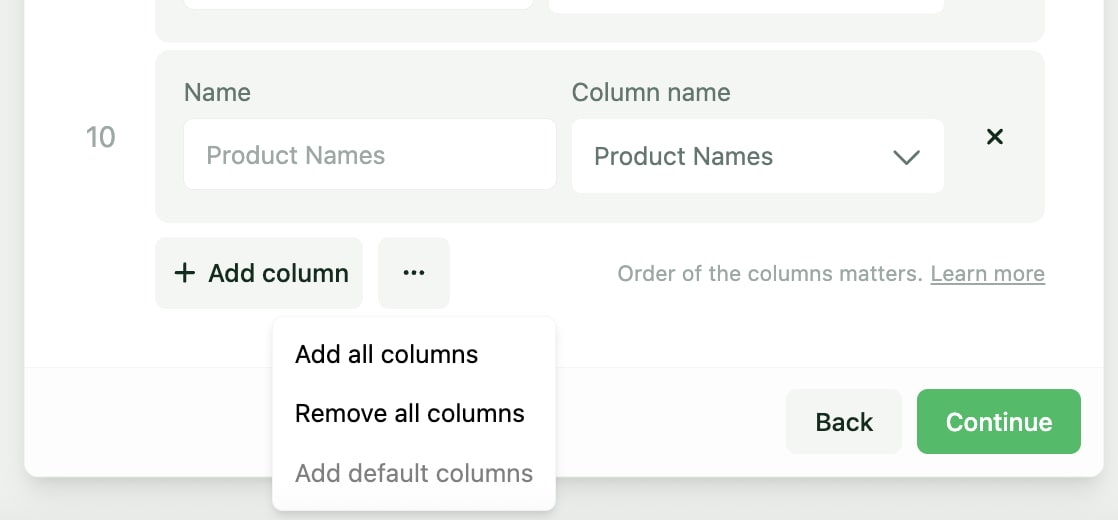
The columns above are selected by default. The user can add or remove columns as they need.
Using the icon at the bottom of the select columns, the user can also restore the default columns at any time.