Short description
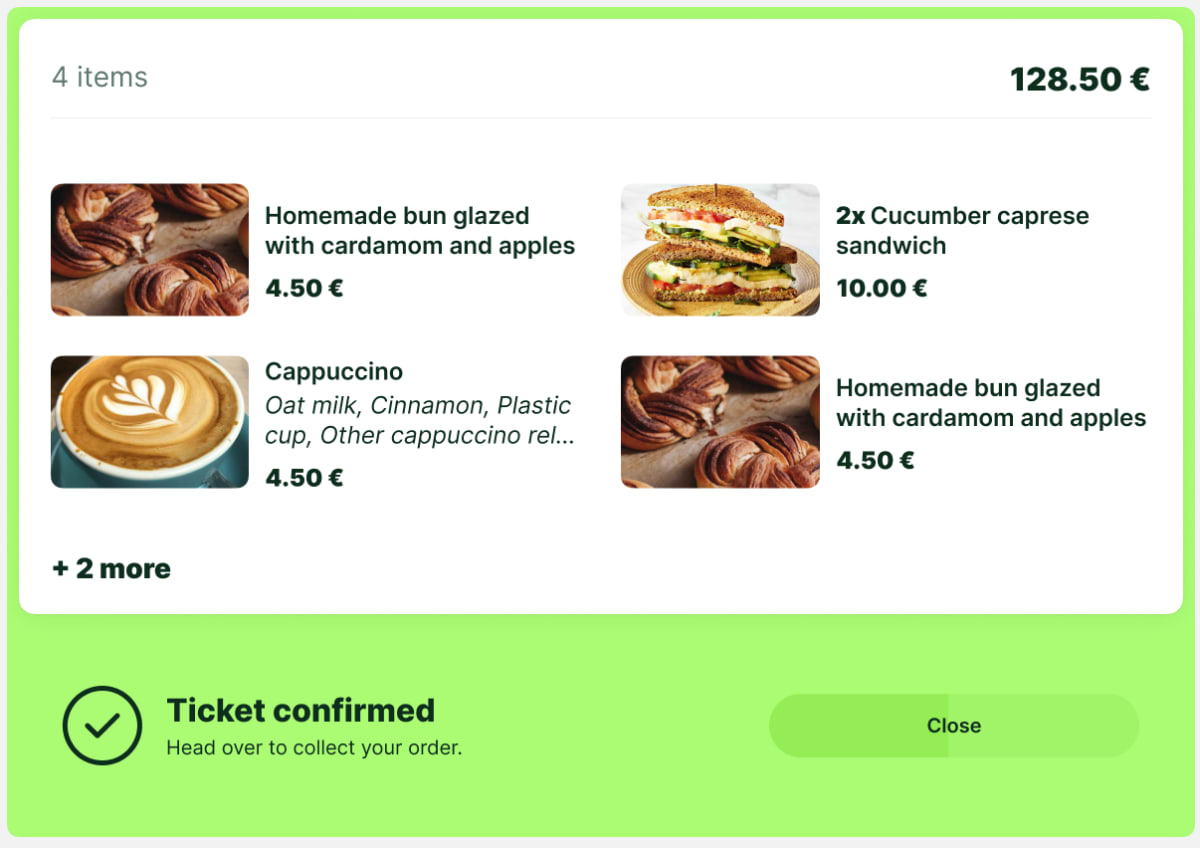
We’ve introduced a new setting for Ticket Validation tills that allows operators to view the purchased items directly on the confirmation screen. This makes it easier to ensure that the right order is being handed out—smoothly and confidently.
Why does it matter
When fulfilling pre-purchased meals or orders, it’s important that operators can quickly verify what was bought. This update gives them a clear view of the basket contents, helping them serve or confirm the right items with speed and certainty.
What’s new?
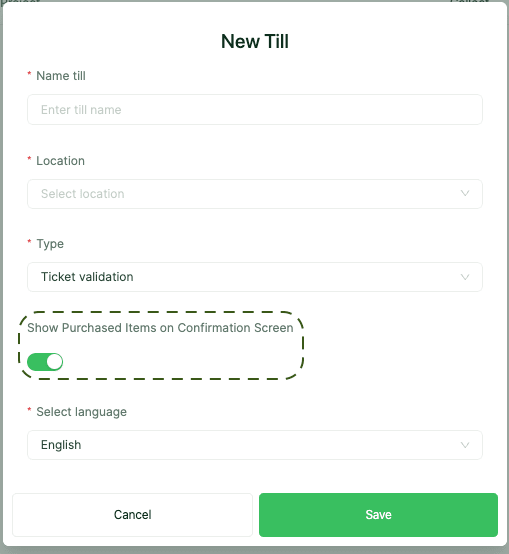
New setting to show purchased items on the confirmation screen for Ticket Validation tills
Allows operators to match digital orders with what’s in hand more easily
Available only for Ticket Validation till type
How to use it?
Go to Admin Panel > POS Module > Tills > Till settings or New till > Till type > Ticket Validation, then enable the toggle: "Show purchased items on Confirmation Screen".