Admin
Reporting
Enhancement
Short description
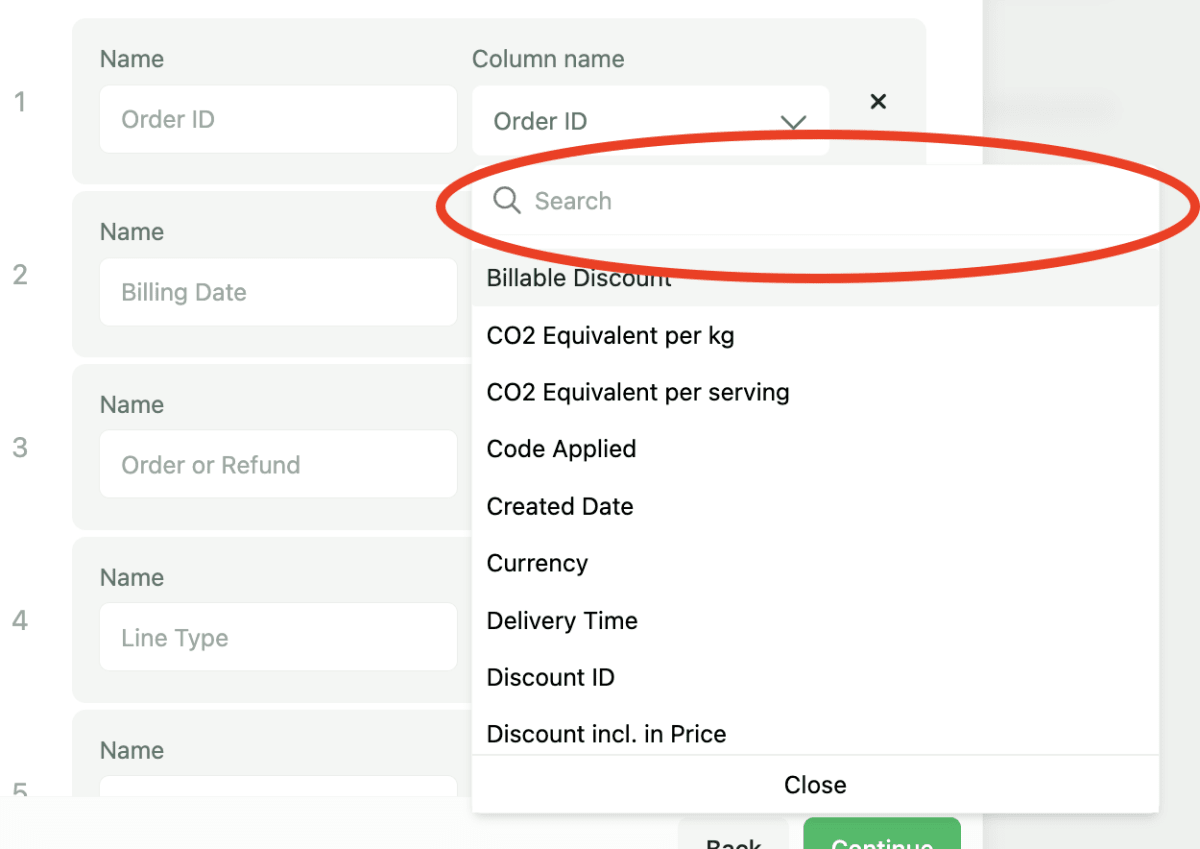
Users can now search column names/labels in Data Export.
Why it matters?
Navigating and scrolling many columns can be tedious task and frustrating when users quickly want to setup a Data Export
What’s new?
Search functionality is available for the columns. Users are able to search for any column they want to add
How to use it?
Go to Statistics > Data Export > create a new export and navigate to Columns. When selecting a column, users can now use the search to find what they are looking for.